.png)
Onboarding Checklist for Minimum Wage Users
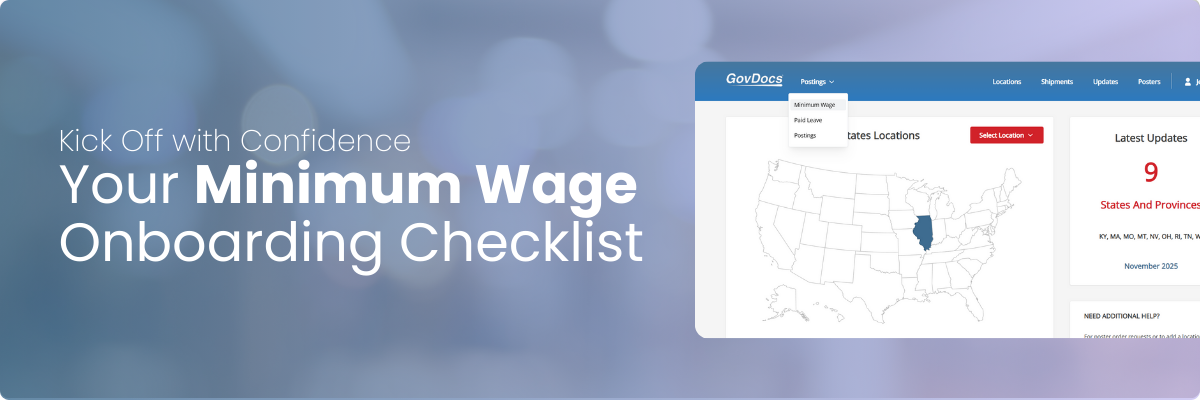
Getting Started with Your GovDocs Minimum Wage Solution
Now that you have access to your GovDocs Minimum Wage Solution, here’s how to get set up and start using its key features.
Secure Your Access
- Save your password in a secure password manager.
- Do not share your credentials with others.
- To add team members, contact your Account Manager.
Bookmark elc.govdocs.com on your browsers toolbar for quick access to login.
Set Up Your Email Notifications
Stay informed with timely alerts about upcoming rate changes so your team never misses a compliance requirement.
To customize your notifications:
- Select your Profile button in the upper-right corner.
- Click User Preferences.
- Choose the email updates you want to receive, then save your changes.
These settings ensure you get the right information at the right time, keeping your minimum wage program running smoothly.
Understand the Notifications Tab
The Notifications tab highlights effective dates, impacted locations, new rates, and tipped rates, helping you quickly assess what’s changing and where. Use it to prepare your teams, plan payroll adjustments, and maintain continuous compliance.
✔️ Action: Review your Notifications tab and identify one upcoming minimum wage change that affects your locations. This ensures you know how updates will impact your organization right away.
Explore the Locations Tab
The Locations tab gives you a complete, organized view of every worksite in your minimum wage program. Here, you can quickly confirm each location’s:
- jurisdiction
- current rates
- tipped wage status
- and location-specific note
✔️ Action: Open one of your locations and add a note. This helps you document important details—such as ownership, special pay practices, or internal reminders—right where your team needs them.
Deep Dive a Location Details Page
This page highlights the current and upcoming rates, tipped wages, and any additional rules that may impact how you manage pay. It’s your one-stop source for understanding exactly what’s required for that individual worksite.
✔️ Action: Open a location and review the details. Check whether that jurisdiction has:
- Industry-specific minimum wage rules
- Pay transparency requirements
- Overtime regulations
Confirming these items ensures you’re capturing every compliance nuance for that location.
Ready to keep going? Explore more related articles below, head back to the Knowledge Center, or jump straight to your Minimum Wage Solution to continue your work.